Clear caches and build folders on your Mac, safely
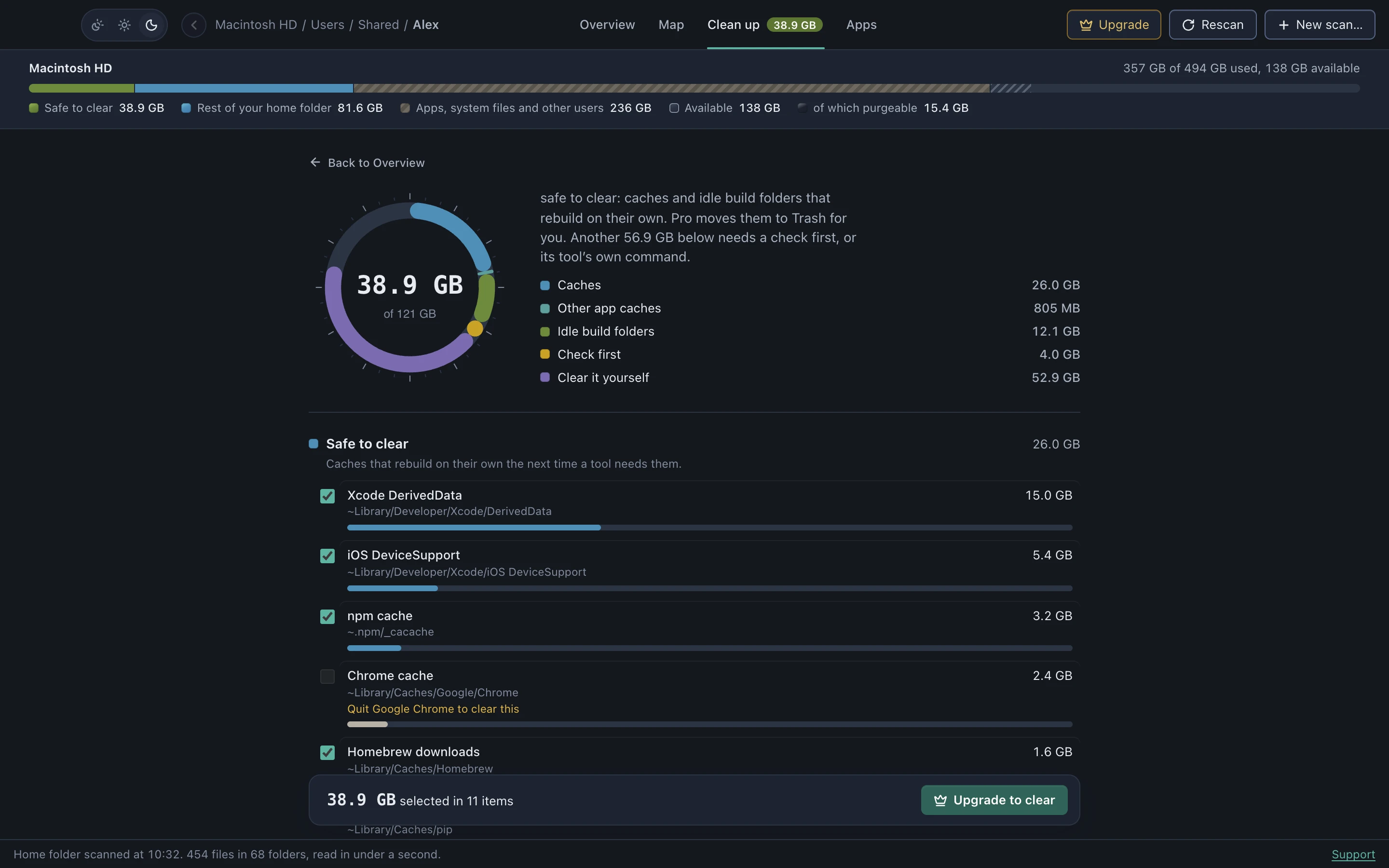
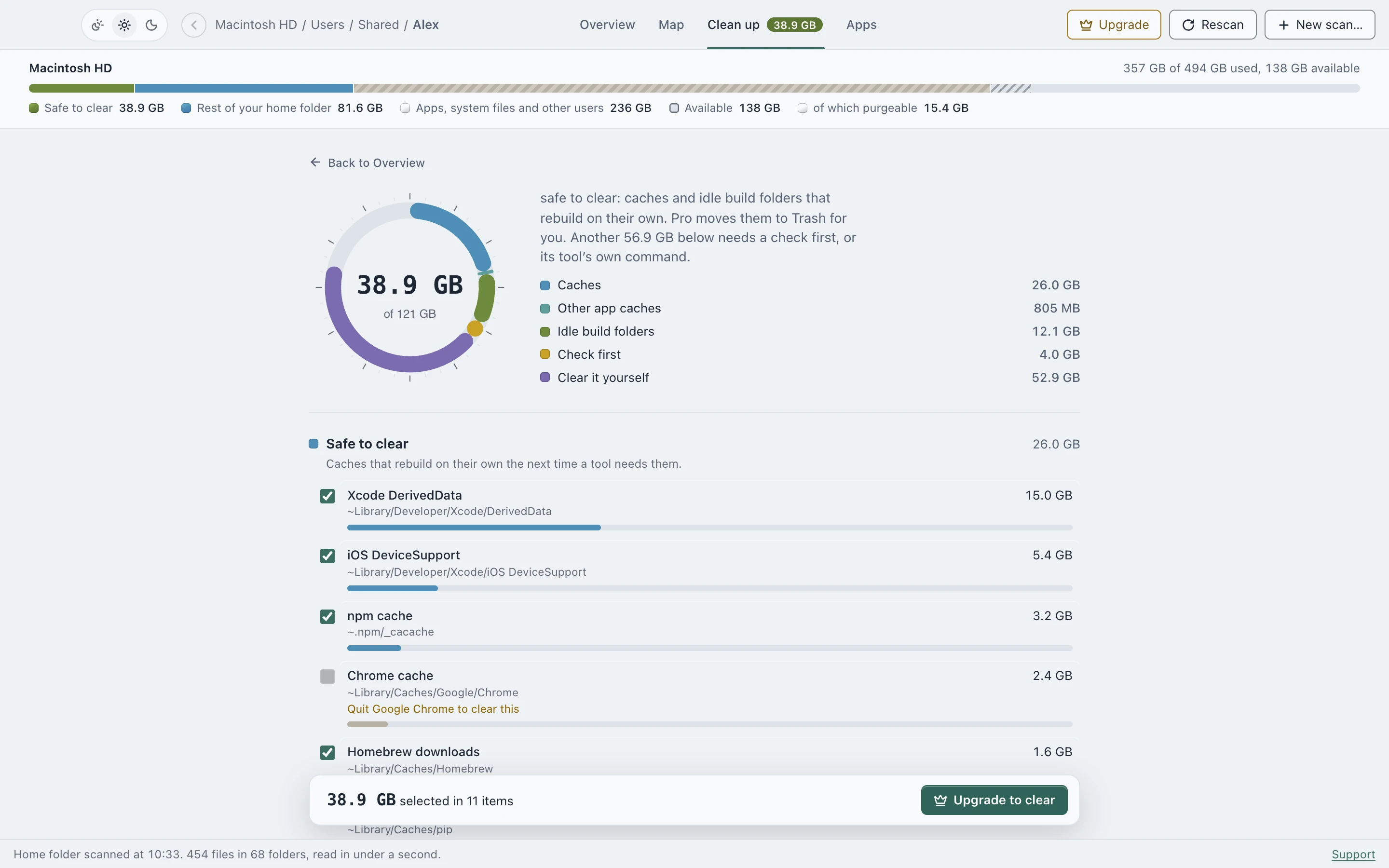
Clean up lists what can go, why, and how big it is. Nothing moves until you tick it and confirm, and then it goes to the Trash.
Last updated September 27, 2026
What it finds
- Caches DiskApp knows by name, such as Xcode DerivedData, Homebrew, npm, pip and browser caches. They rebuild on their own the next time a tool needs them.
- Every other folder in your Library’s Caches, listed with its size. Ones nothing has touched in a month are ticked for you, the rest wait for you.
- Idle build folders like
node_modules,targetand.venv, only when a project file proves it’s a project and it hasn’t been touched in 7+ days.
What it won’t touch
- System folders, Keychains, iCloud Drive, Messages, Photos and
.ssh, which are refused outright. - An app’s cache while that app is running. DiskApp asks you to quit it first.
- Data that a tool manages itself, such as Docker, the pnpm store, simulator devices, and Ollama and Hugging Face models. You get the size and the exact command to run, never a delete button.
How clearing works
Every clear is checked again against fresh findings right before it runs, so an old screen can’t remove something that’s no longer safe. Everything goes to the Trash, where Put Back works until you empty it, and each clear is written to ~/Library/Logs/DiskApp/operations.log.
Seeing every finding is free. Moving them to the Trash is part of DiskApp Pro, a one-time purchase.
See where your space went
Scanning is free, with no account. DiskApp shows every folder by what it really holds and flags only what a rule can prove is safe to clear.
Download for MacApple Silicon, macOS 13 or later. The first open needs one approval in System Settings, shown here.