Free up space from Xcode, node_modules, Docker and AI models
On a developer's Mac the biggest folders are rarely documents. They're tools, and each tool has its own rules for what can go.
Last updated September 27, 2026
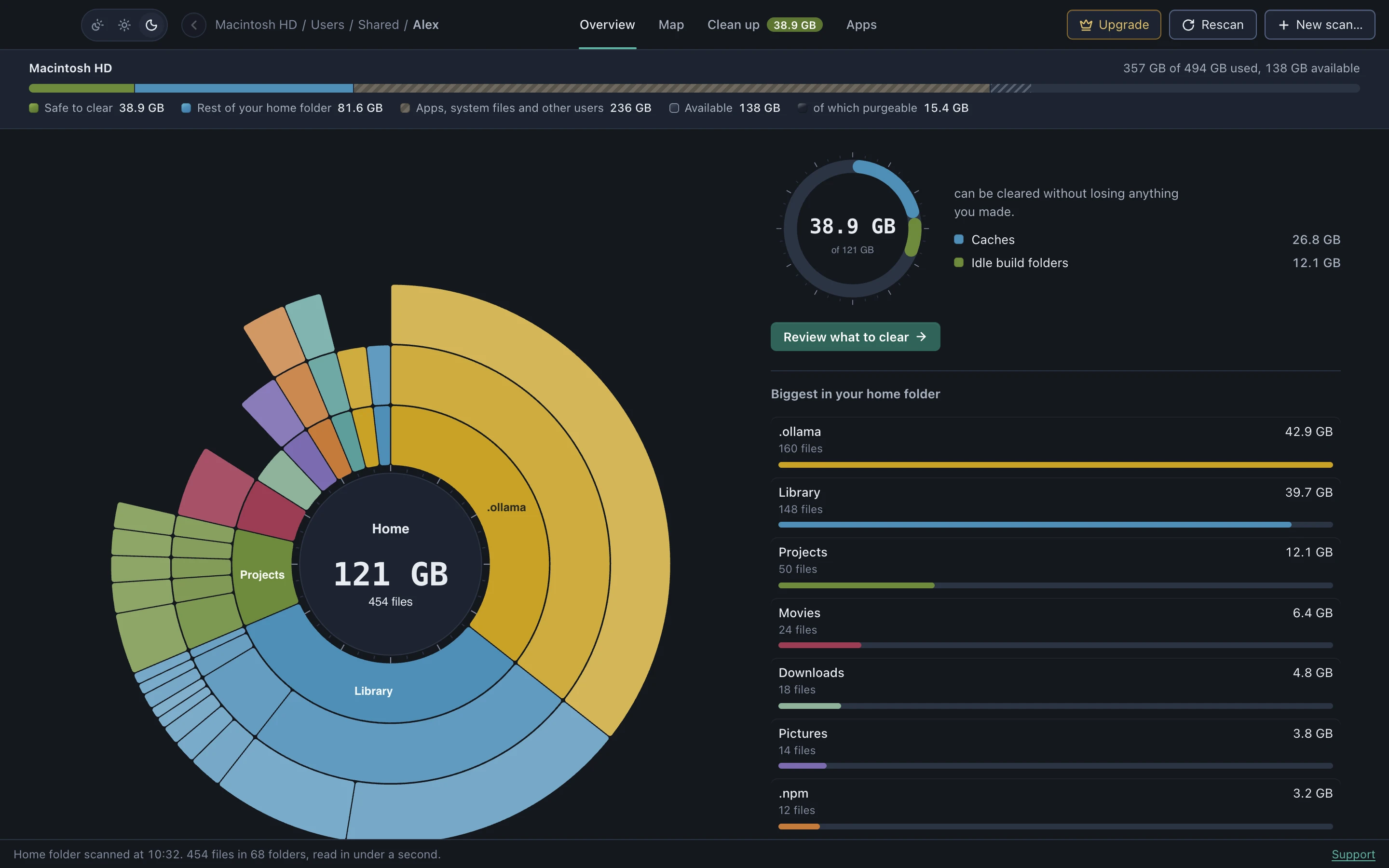
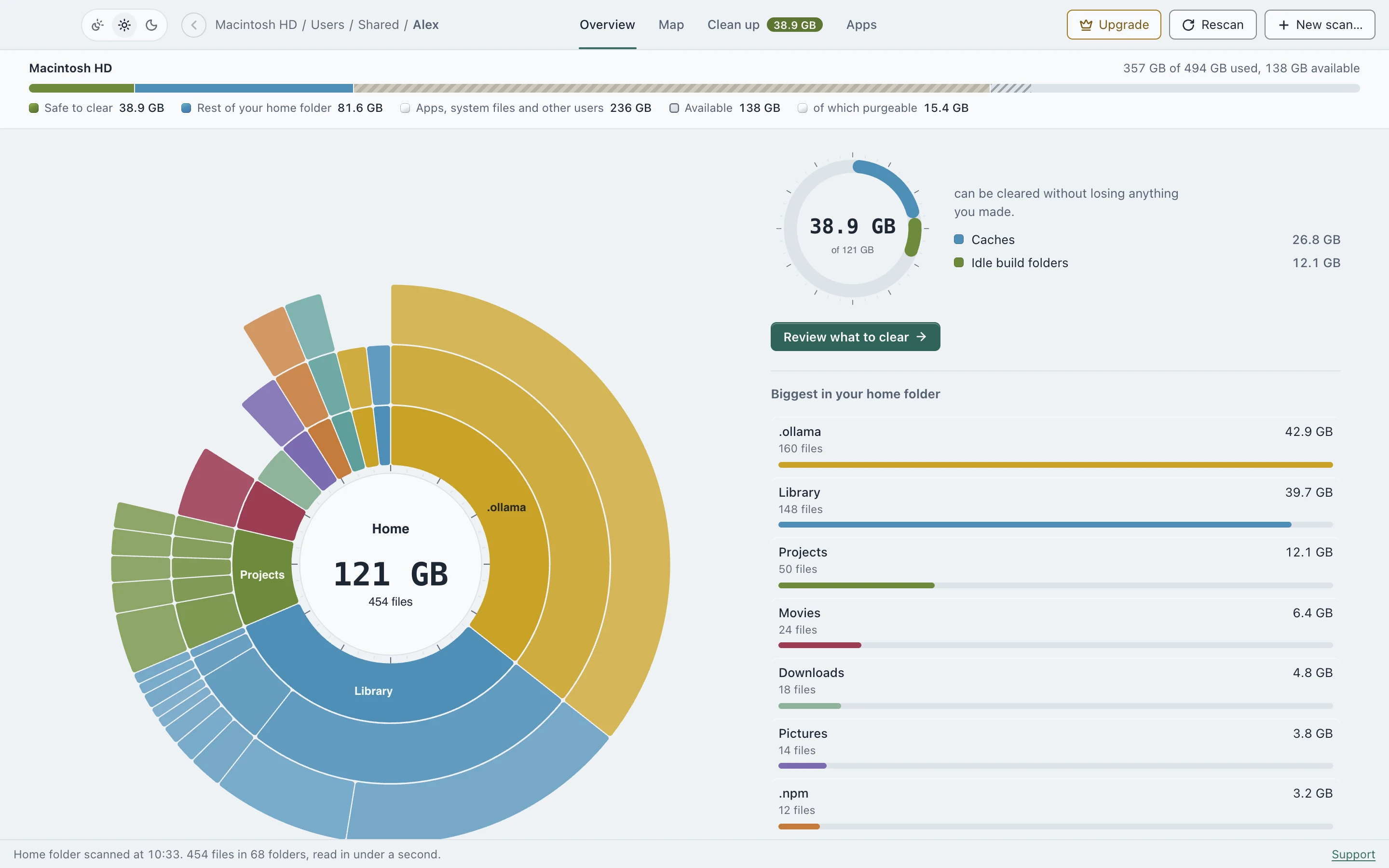
What DiskApp recognizes
- Apple: Xcode DerivedData, iOS DeviceSupport, archives, simulator caches and devices, CocoaPods.
- JavaScript:
node_modules, the npm, npx, Yarn, Bun and Corepack caches, the pnpm store, Playwright and Puppeteer browsers, Electron and node-gyp downloads. - Android: Android Studio caches, emulators, system images, Gradle build cache, daemons and dependencies.
- Others: Rust
targetfolders and the Cargo registry, Python.venvand the pip cache, Homebrew downloads. - Containers and AI: Docker Desktop’s disk image, Ollama, LM Studio and Hugging Face models.
Build folders need proof
A node_modules, target or .venv folder only counts when a project file next to it, like package.json or Cargo.toml, proves it’s a project, and the project hasn’t been touched in 7+ days. What you’re working on now is left alone.
Some things you clear with the tool itself
Docker images, the pnpm store, simulator devices, Android system images, installed Node versions, and Ollama and Hugging Face models are managed by their own tools, and deleting their files by hand can break them. For these DiskApp shows the size and the exact command to run, like docker system prune, with a Copy button. It never deletes them itself.
Everything above shows up in the free scan. Moving caches and idle build folders to the Trash is part of DiskApp Pro, a one-time purchase.
See where your space went
Scanning is free, with no account. DiskApp shows every folder by what it really holds and flags only what a rule can prove is safe to clear.
Download for MacApple Silicon, macOS 13 or later. The first open needs one approval in System Settings, shown here.